One app for the salon, the craft and the consultation.
SAPAR brings three products into one login. Pick the one that matters to you first.
Run your salon from one place.
Appointments, clients, staff and day-to-day operations in one workspace.
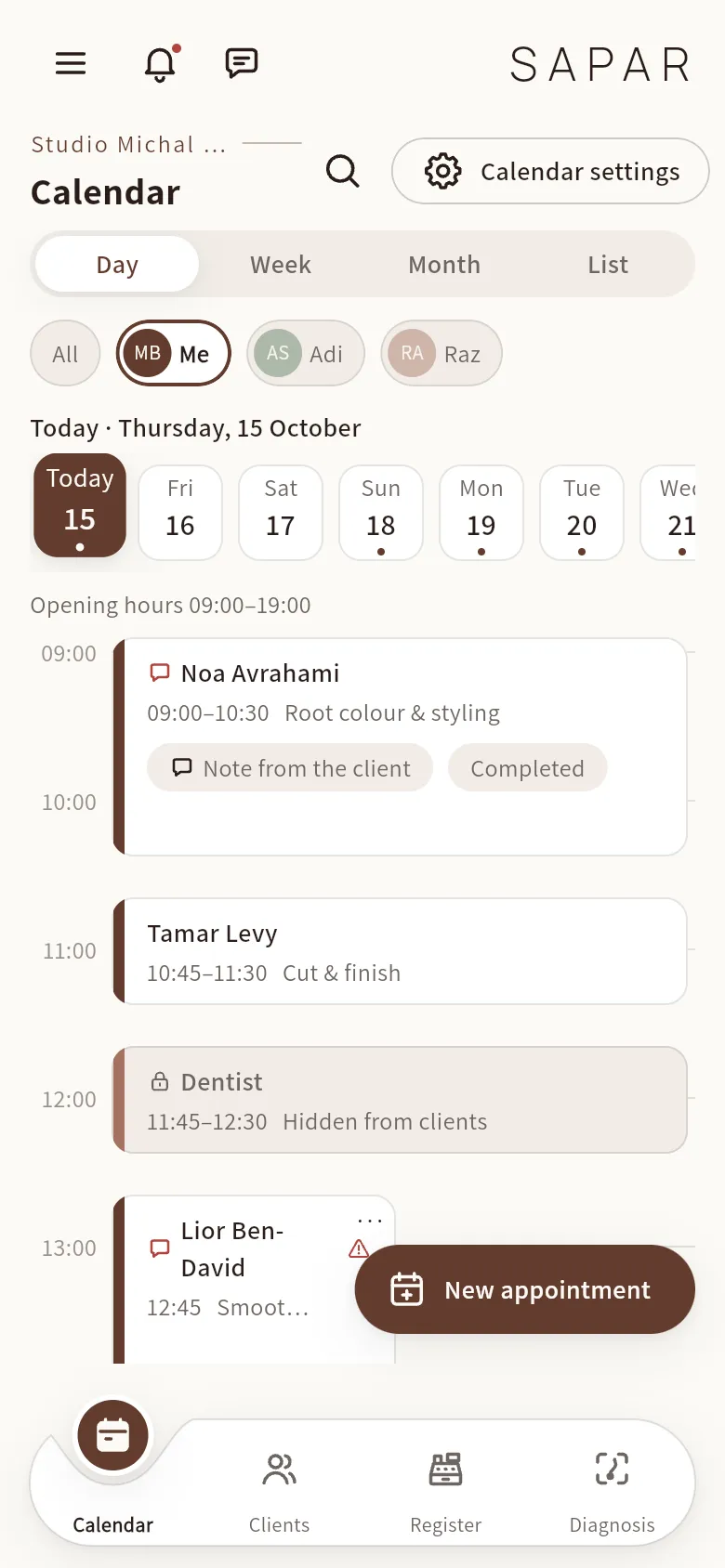
The day view shows every appointment, break and blocked slot for the team.
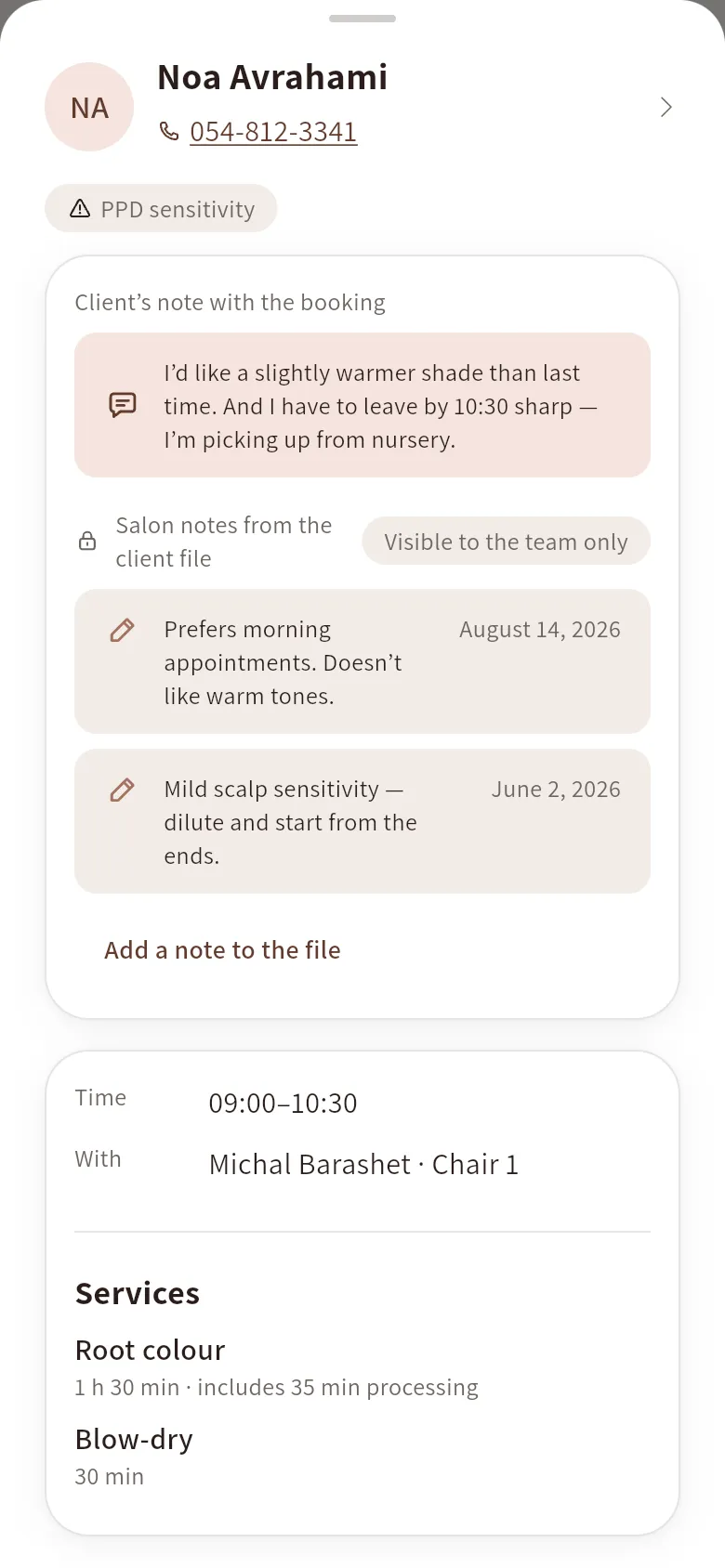
Service, time, the client’s note and her allergy flags, in one place.
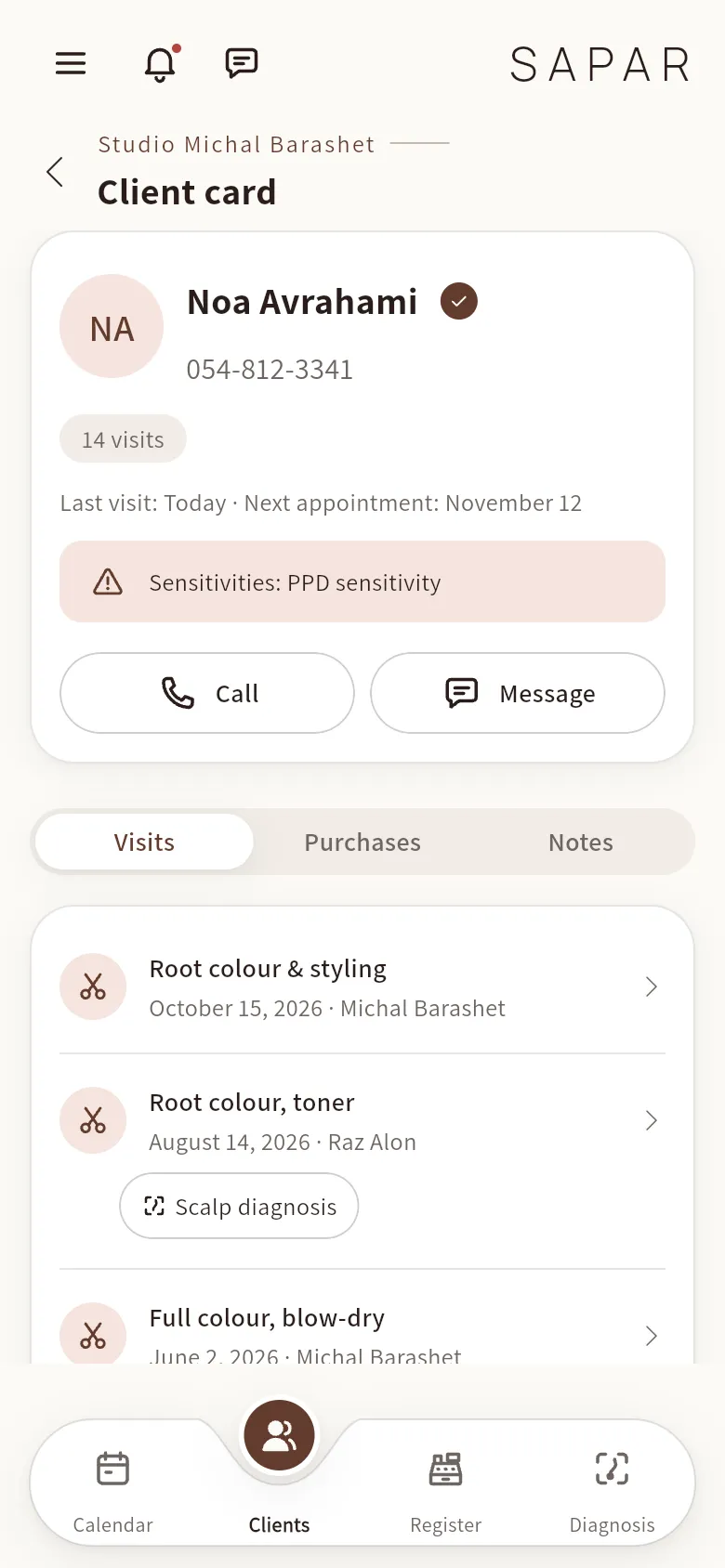
Every visit, formula and diagnosis in the client file.
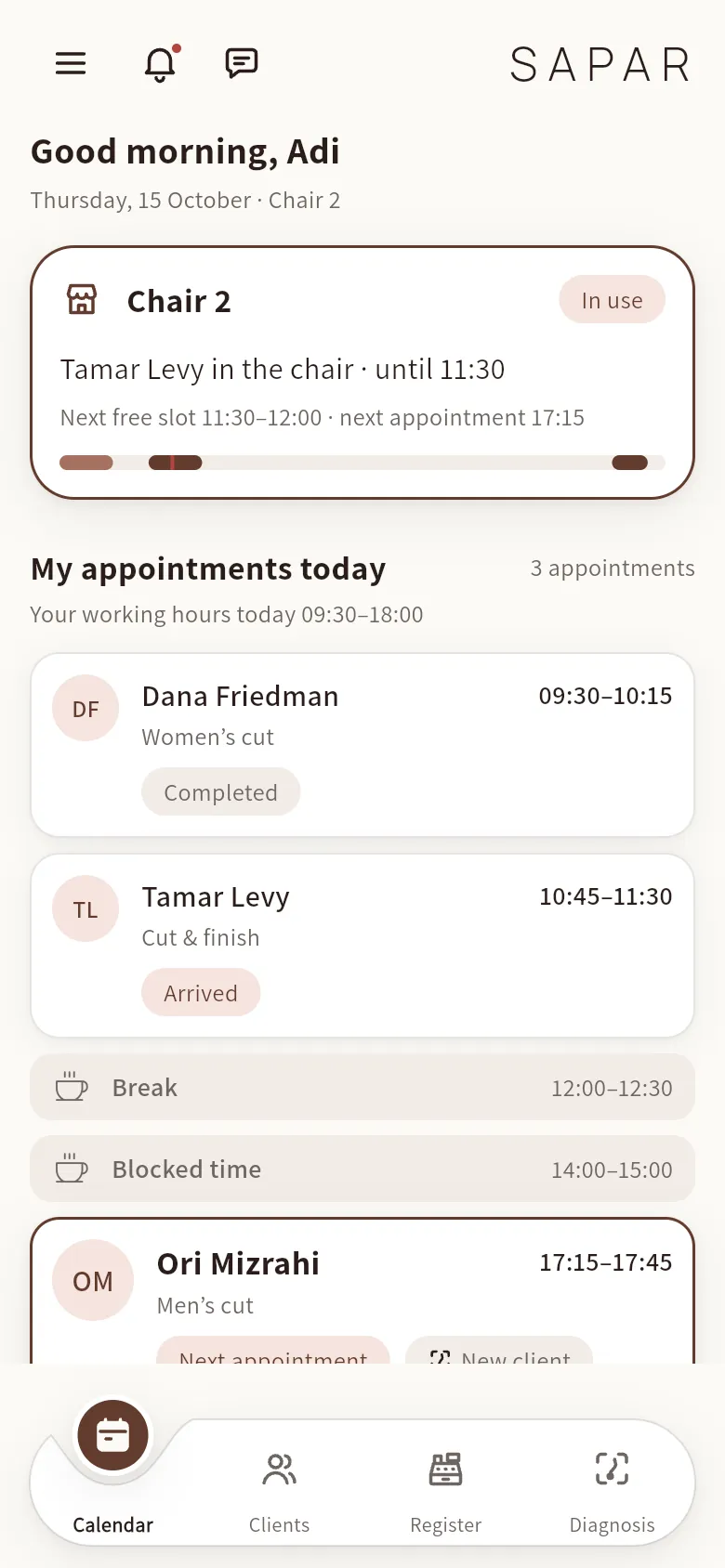
A change to the salon calendar appears on each stylist’s own schedule.
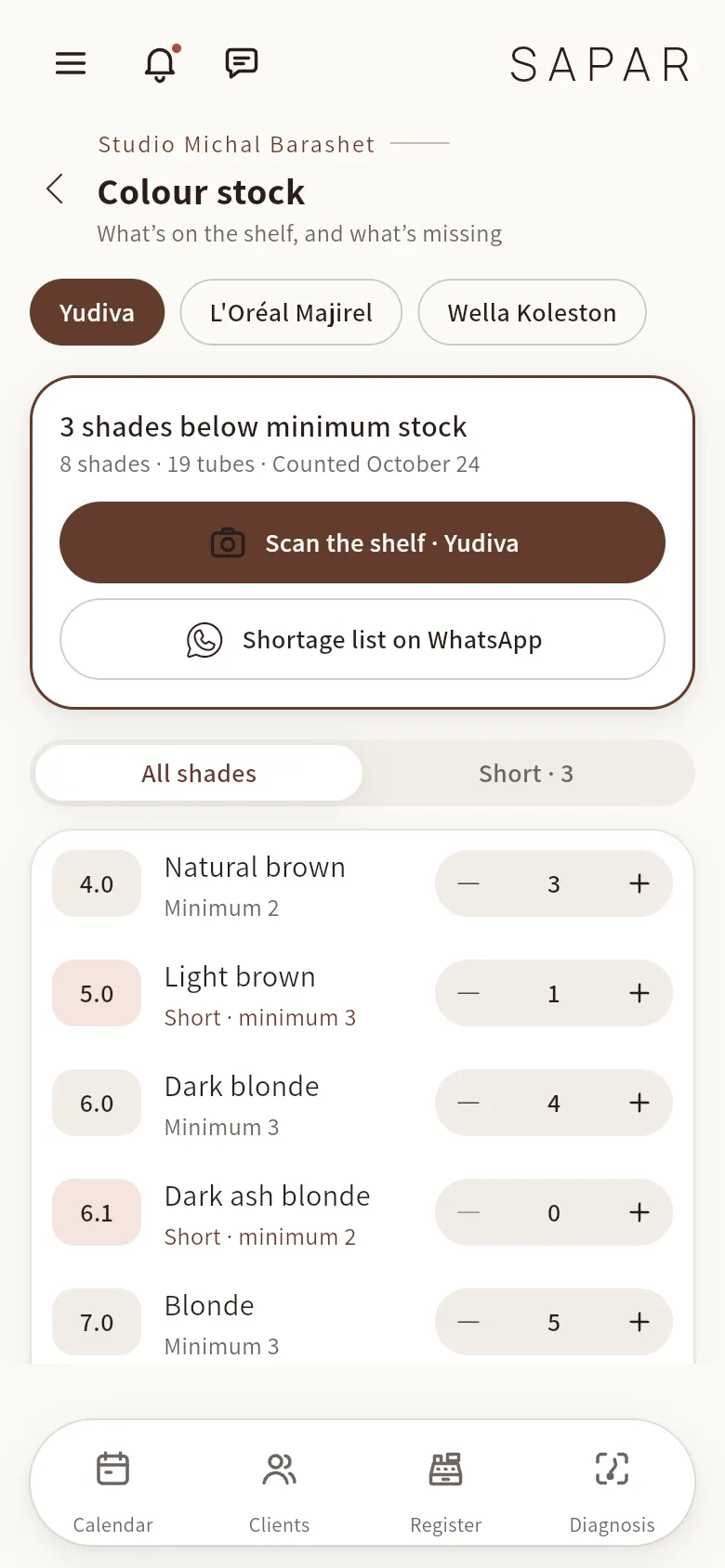
Count tubes by brand and shade, and send a restock list over WhatsApp.
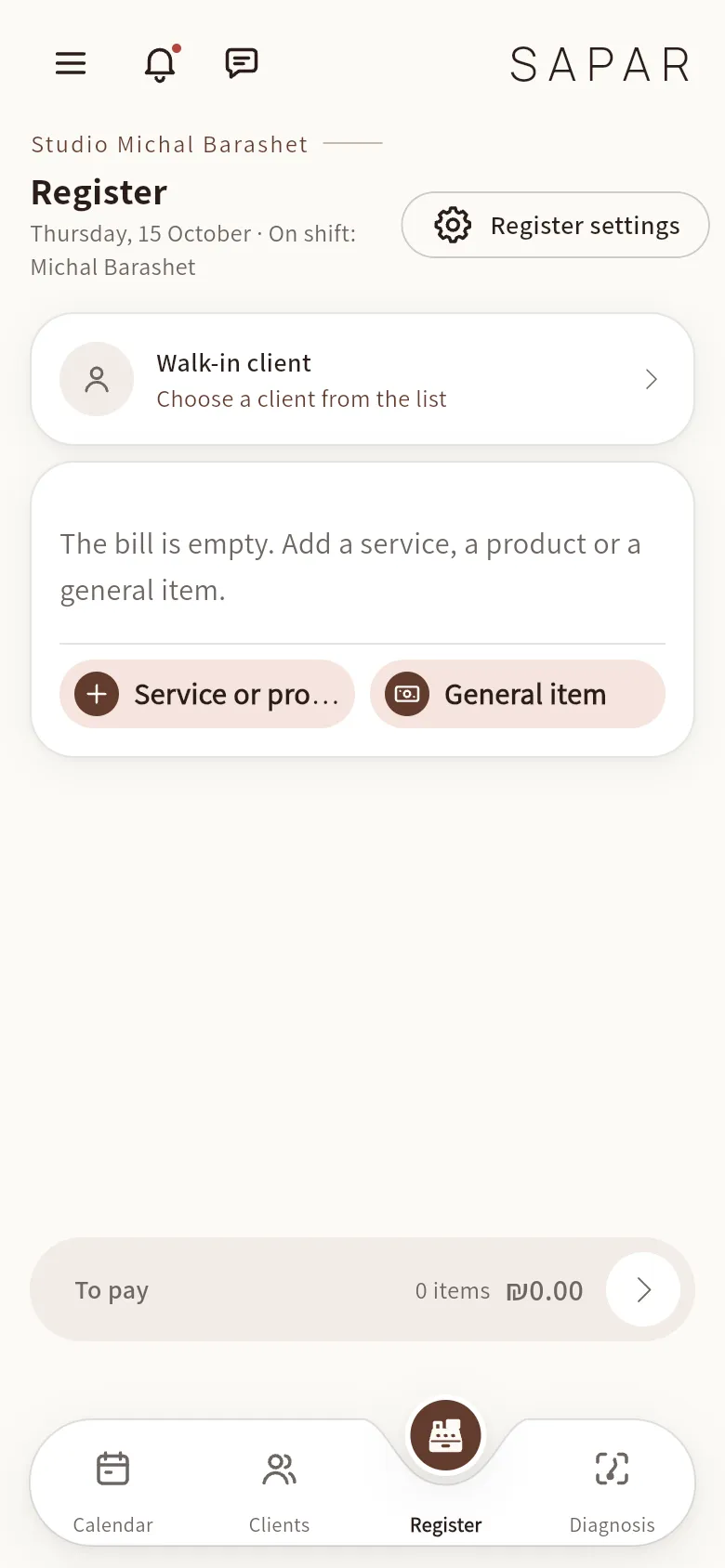
Open the till, charge straight from the appointment and close the day (Master).
How it fits a real salon week
A regular calls to move her appointment
You drag the booking to a new time. The stylist’s schedule updates, and the client gets the reminder for the new slot.
A new stylist covers a colour client
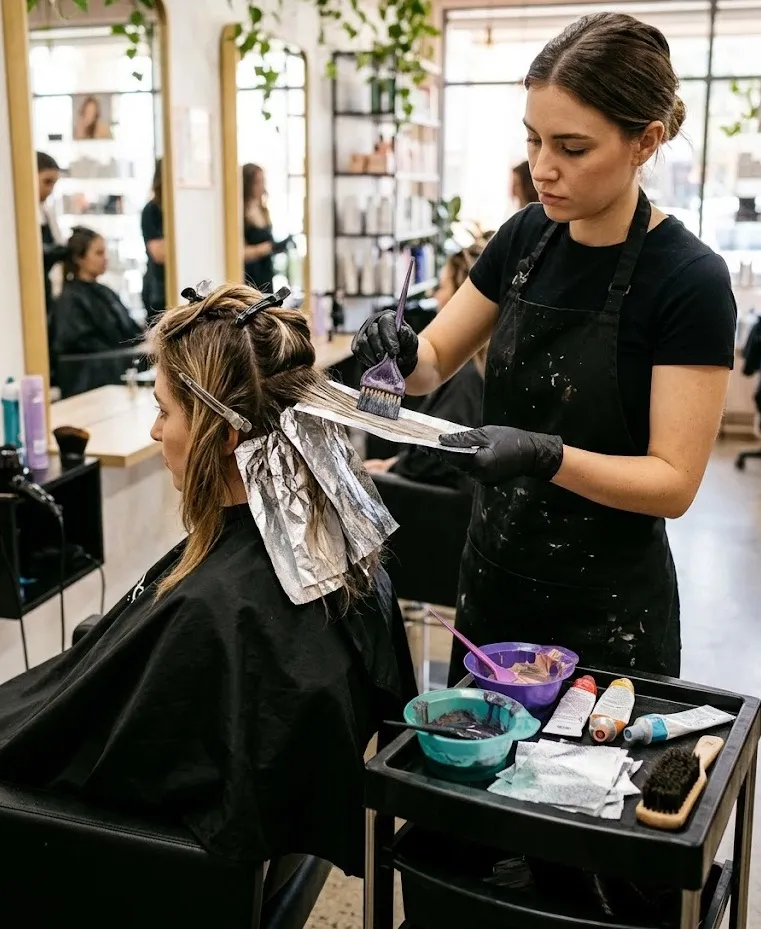
She opens the client file and sees last visit’s formula and the PPD sensitivity before mixing anything.
The end of a long Thursday
Charge the last client from the calendar, close the day, and the report is ready for your accountant.
Show your work. Find inspiration.
A dedicated place for hairstylists to share their work, discover techniques and connect with peers.
The work leads. Everything else follows from it.
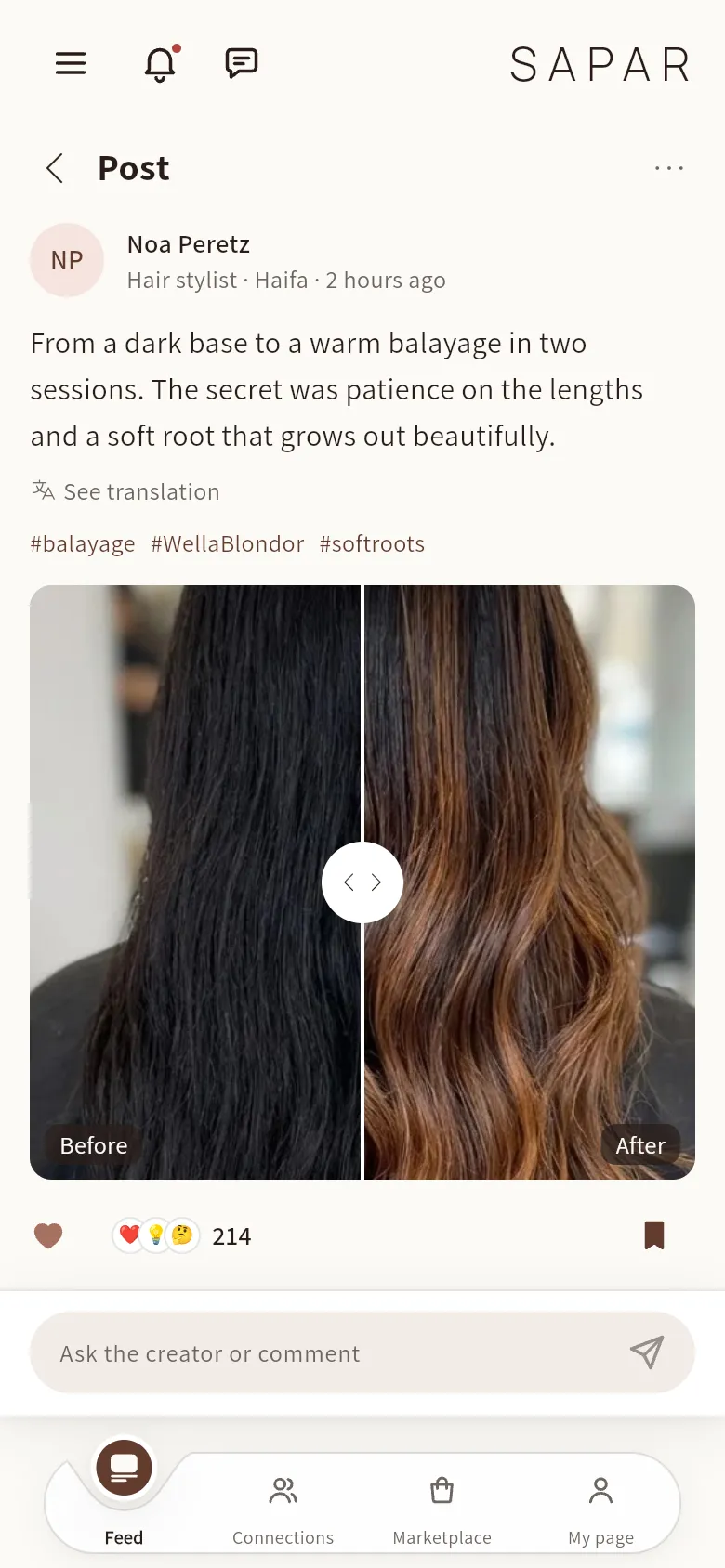
Post the before and after, and publish to Instagram, Facebook and TikTok in one upload.
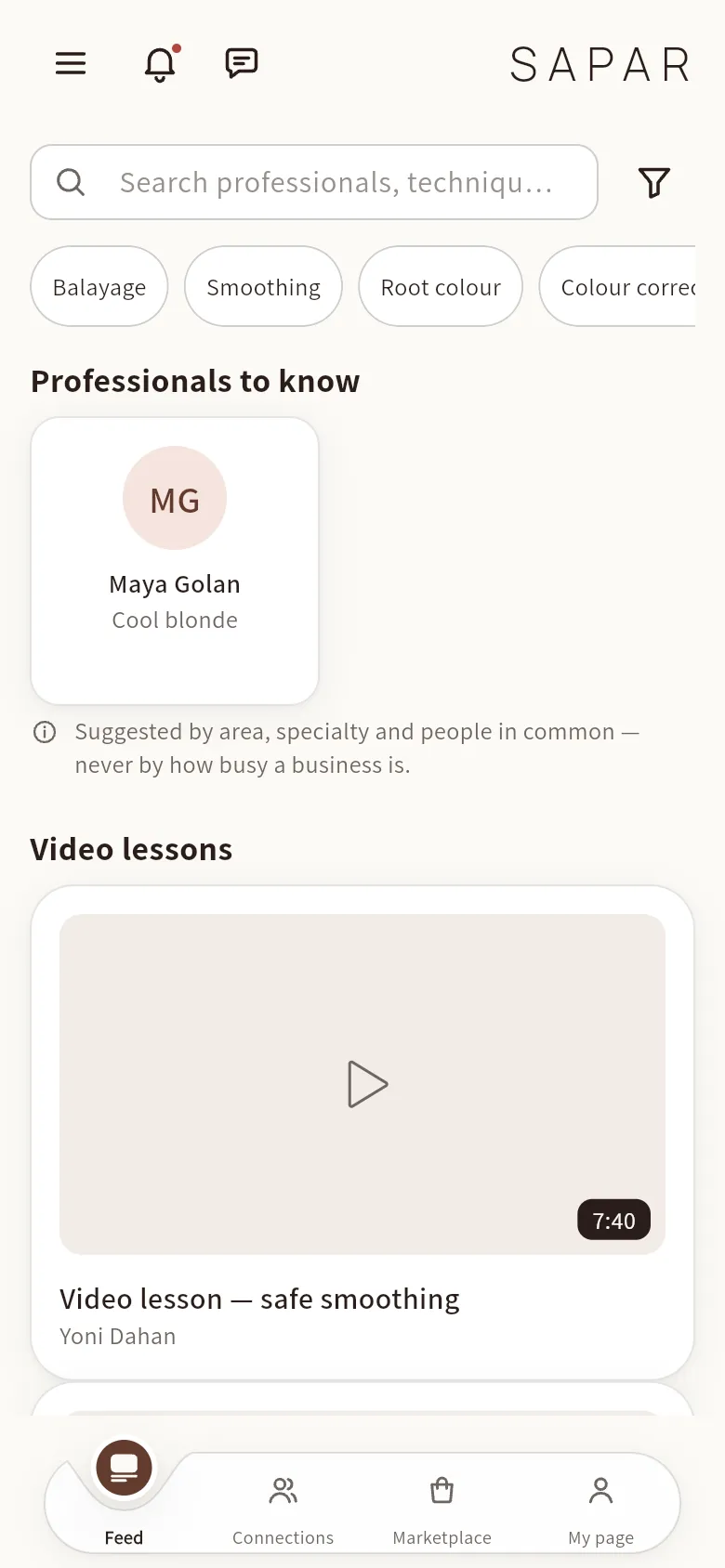
Search by technique, brand or professional and find the next thing to learn.
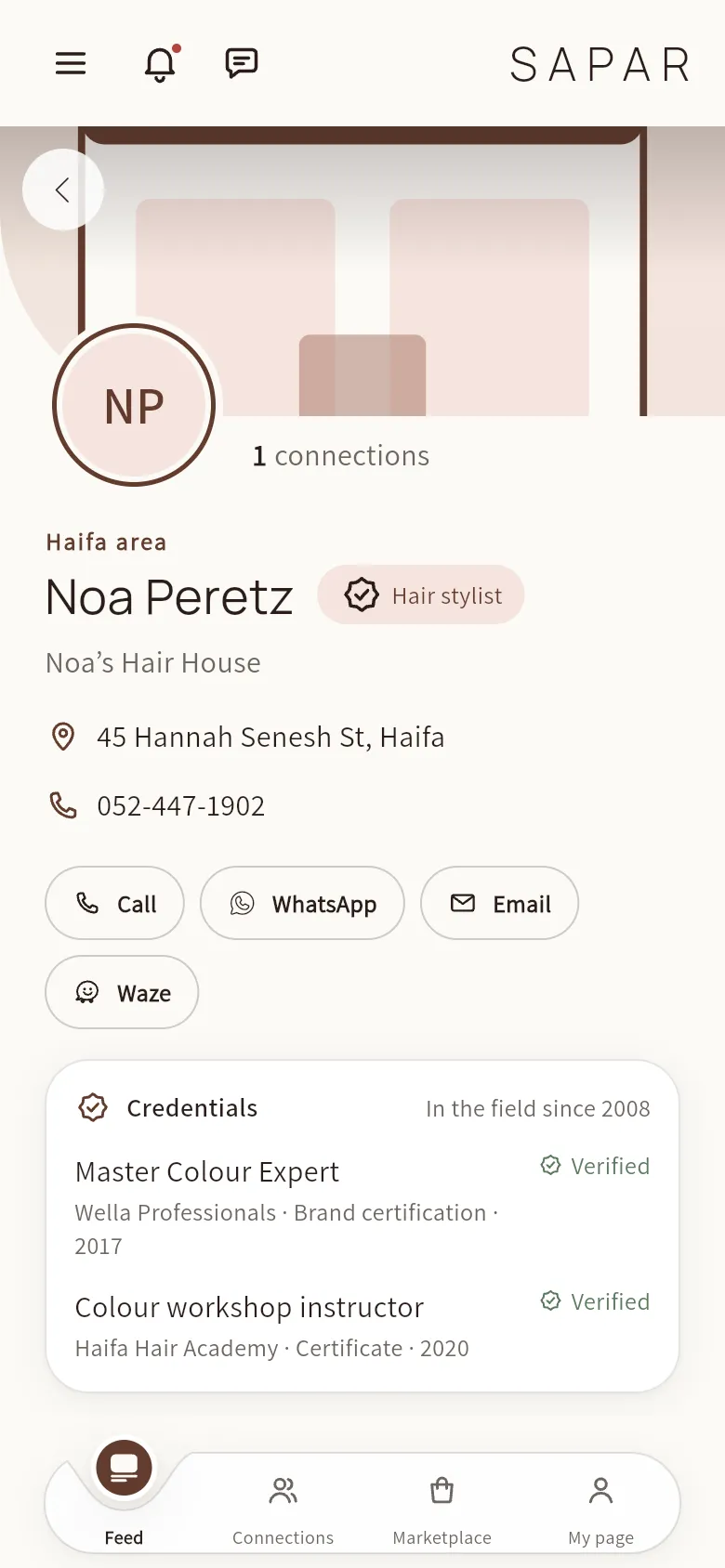
Open a professional profile, see their credentials and connect.
See more in every consultation.
From the consultation chair to a trichoscope close-up to a written result your client can take home.
A guided five-point capture with the trichoscope, right at the chair.
See the magnified image, the highlighted areas and the scorecard you review before anything is shared.
Walk the client through the result and a care protocol, then send it to WhatsApp.
SAPAR’s scalp analysis is a professional cosmetic assessment. It is not a medical diagnosis, and nothing reaches the client until the stylist reviews and releases it.
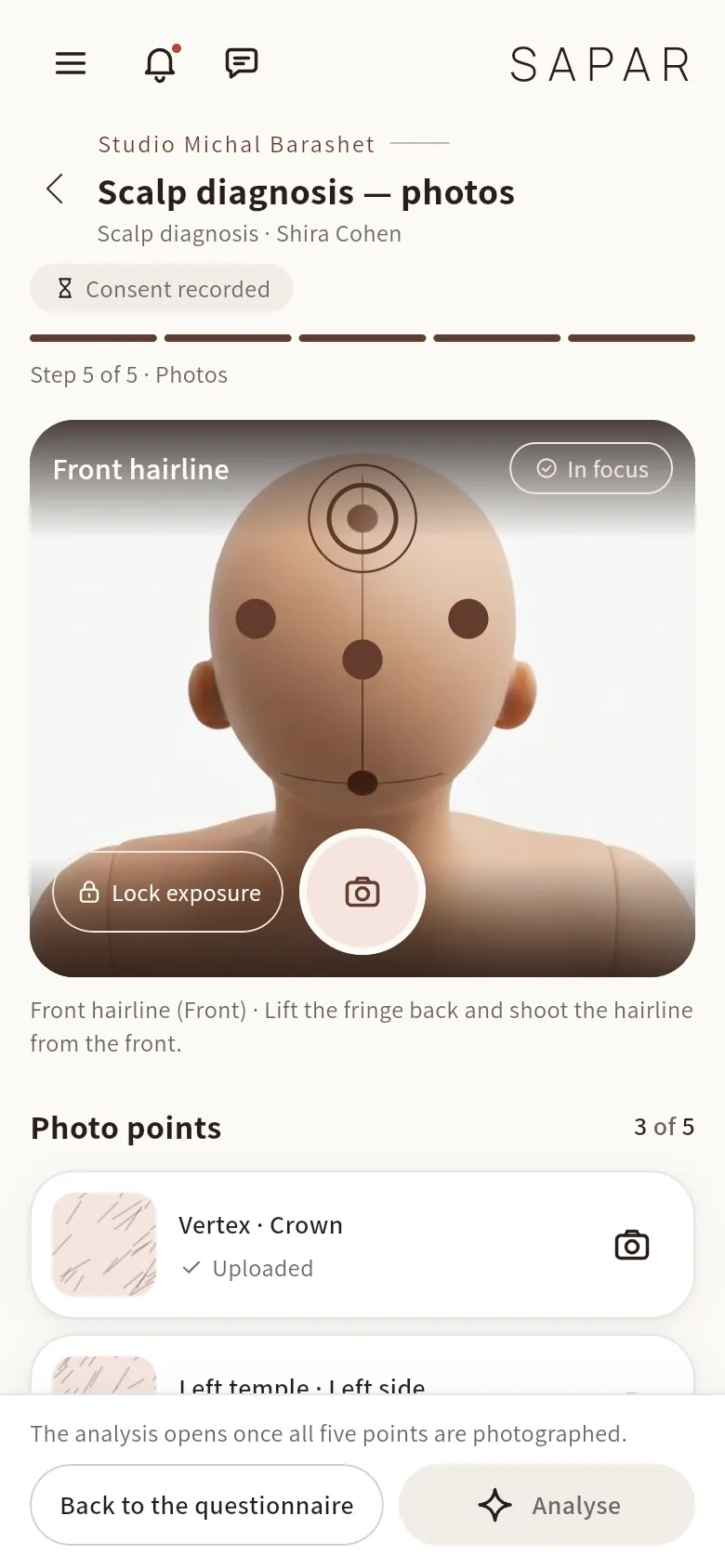
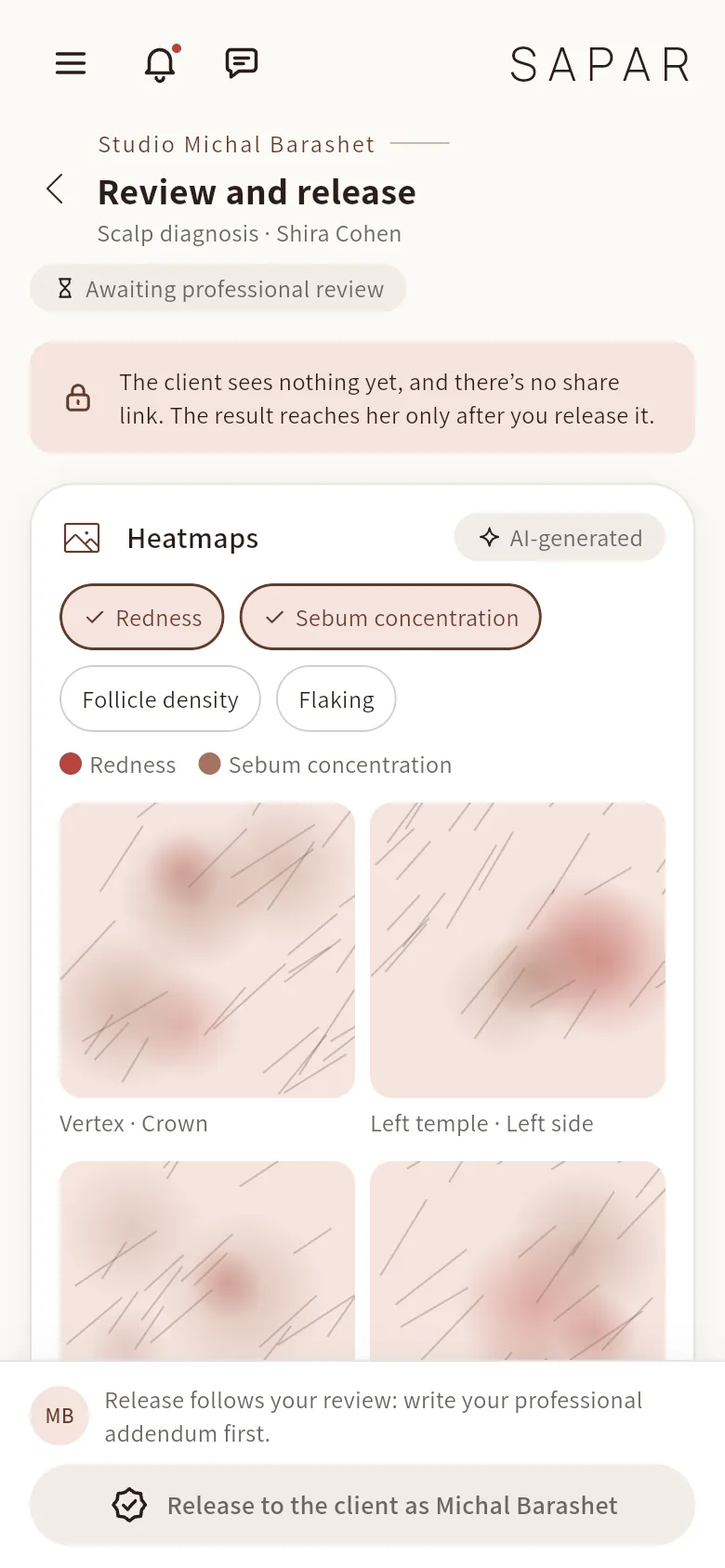
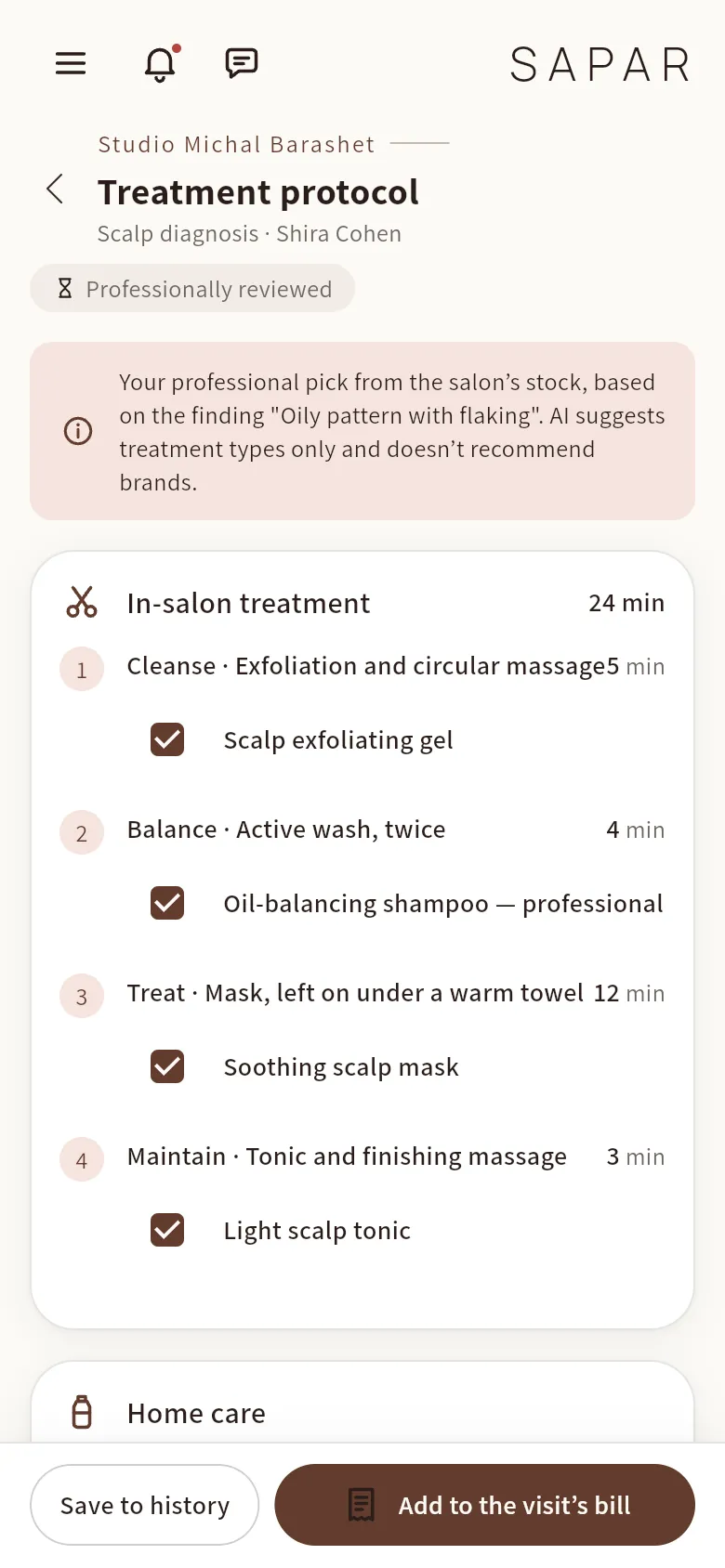
AI Scalp & Hair Diagnosis
Trichoscope imagery and an AI-assisted report, brought into the salon consultation.
Scalp analysis
AI-assisted analysis for scalp care and balance, with a treatment protocol and product suggestions.
Pre-straightening scan
Safety questions first, then a product and method match. The safety engine’s hard limits cannot be overridden.
Colour diagnosis
Base and goal, then formula options built from the colour brands in your own inventory.
SAPAR’s scalp analysis is a professional cosmetic assessment. It is not a medical diagnosis, and nothing reaches the client until the stylist reviews and releases it.
Your salon, in your clients’ pocket.
Book in seconds
From the phone, at any hour. Move and cancel without calling.
Never miss an appointment
A reminder before every visit, and another when it is time to book the next one.
A diagnosis to take home
The result and care recommendations, straight to WhatsApp.
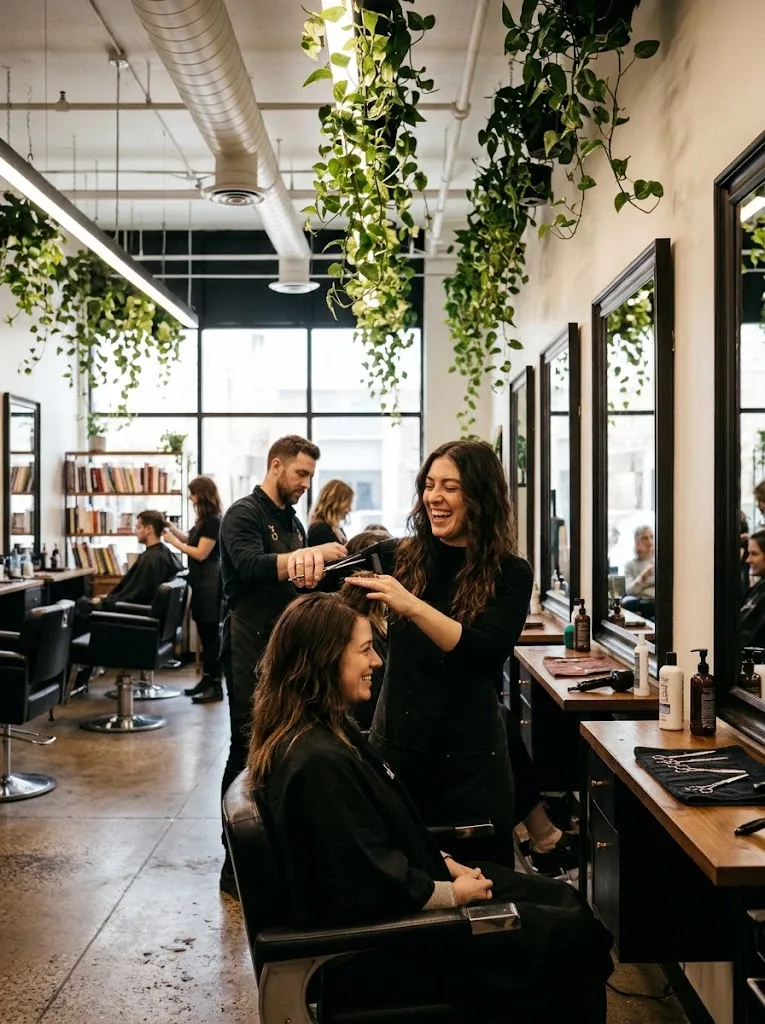
The whole salon on one page
Price list, work, ratings and every way to get in touch.